Solo · Duo · Group photo
AI Rap Video Generator Make a Rap Video From Your Photos
Upload one or two photos, pick a stage and tell us what the rap is about. AI writes four original lines, then turns your photo into a 12-second vertical rap video with vocals, a beat and lip sync.
Make an AI Rap Video- Free lyrics, no sign-up
- 3 free previews a day
- Failed videos refund your credits
Create Your AI Rap Video
Lyrics are free. Sign in to see your first frame before you spend credits on the video.
AI Rap Video Examples
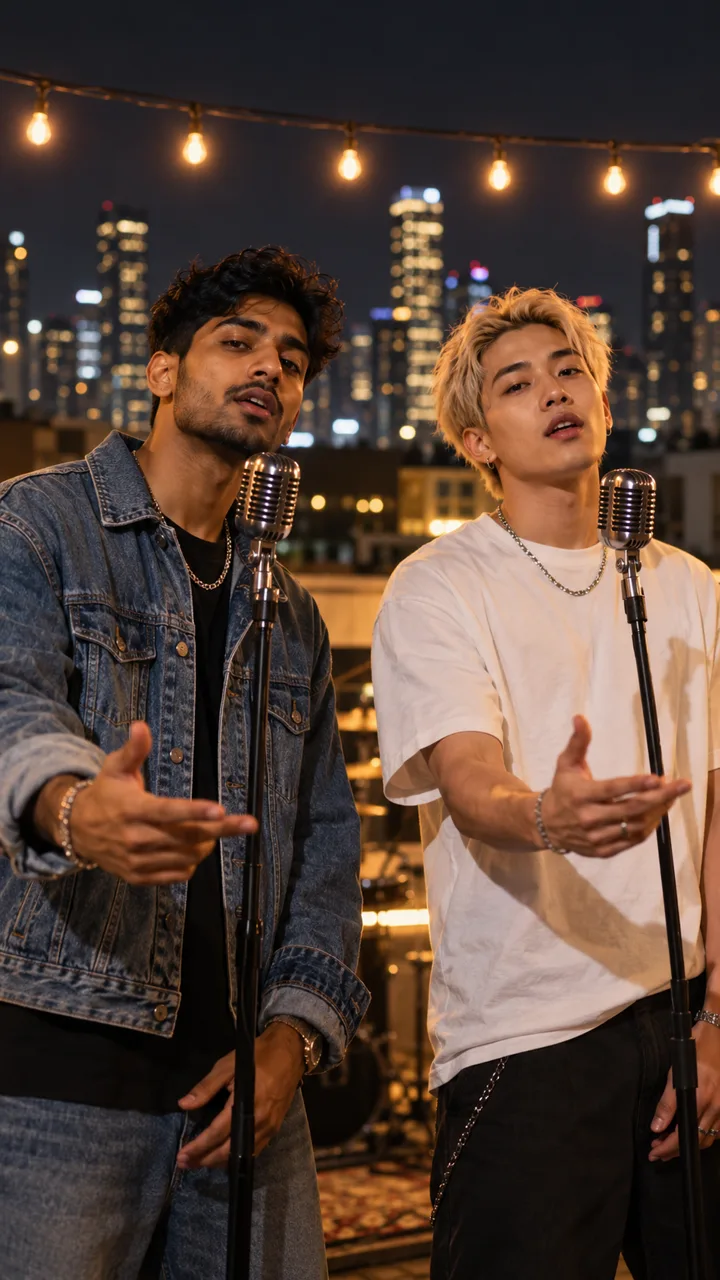
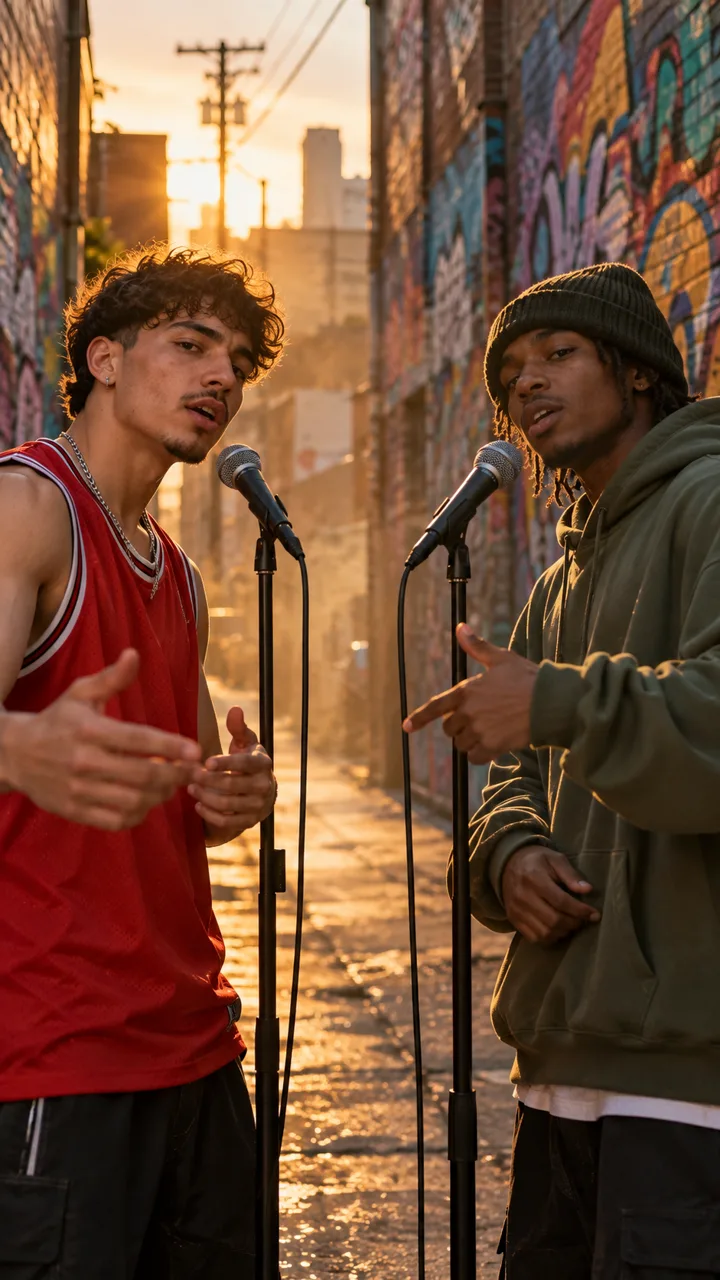
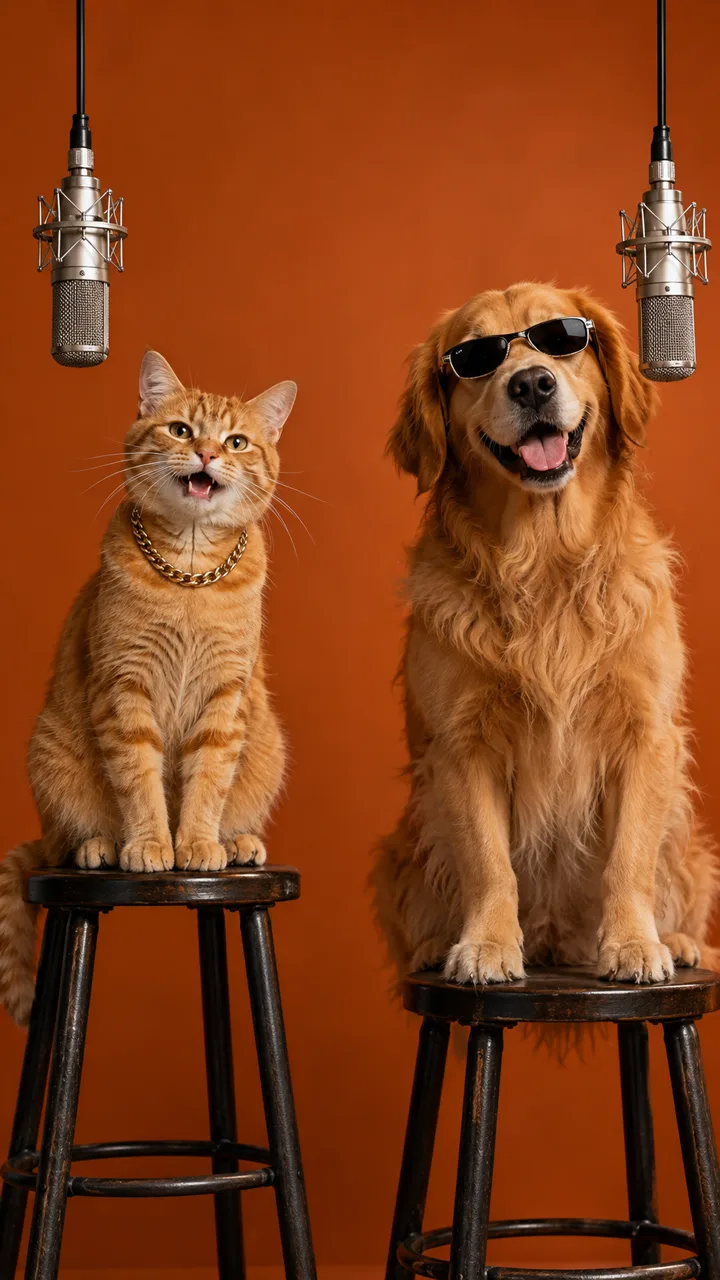
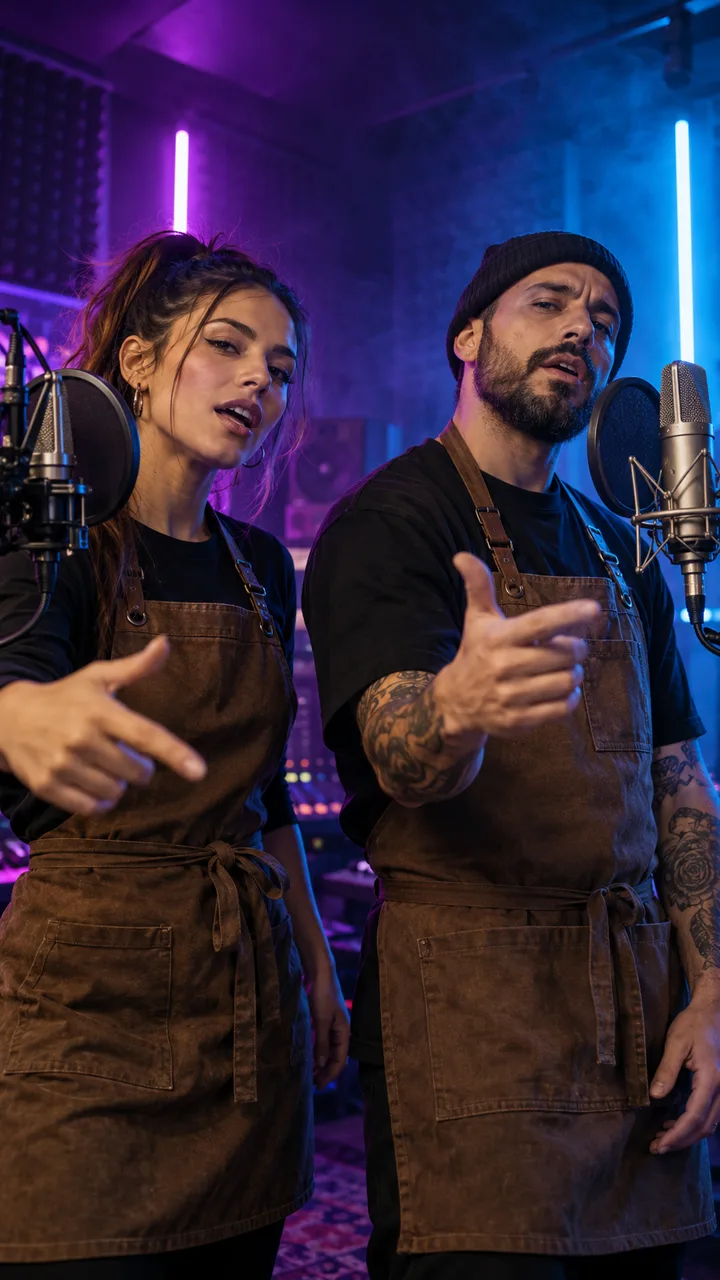
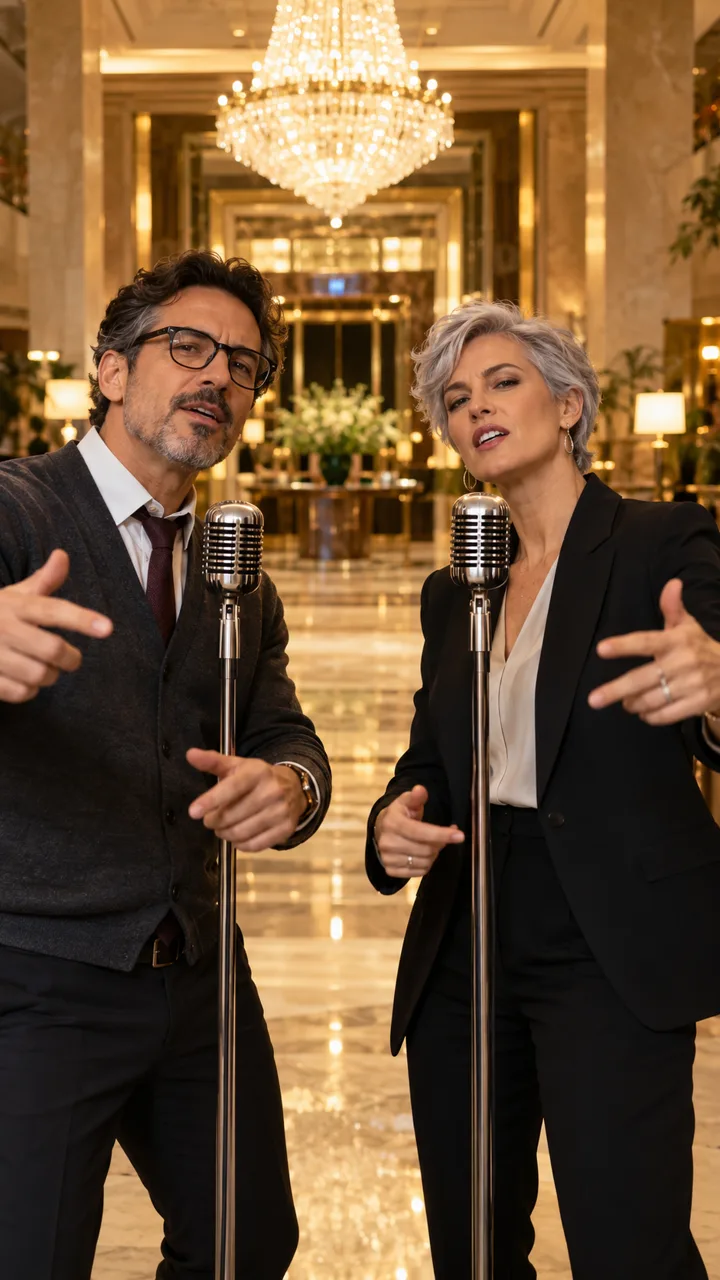
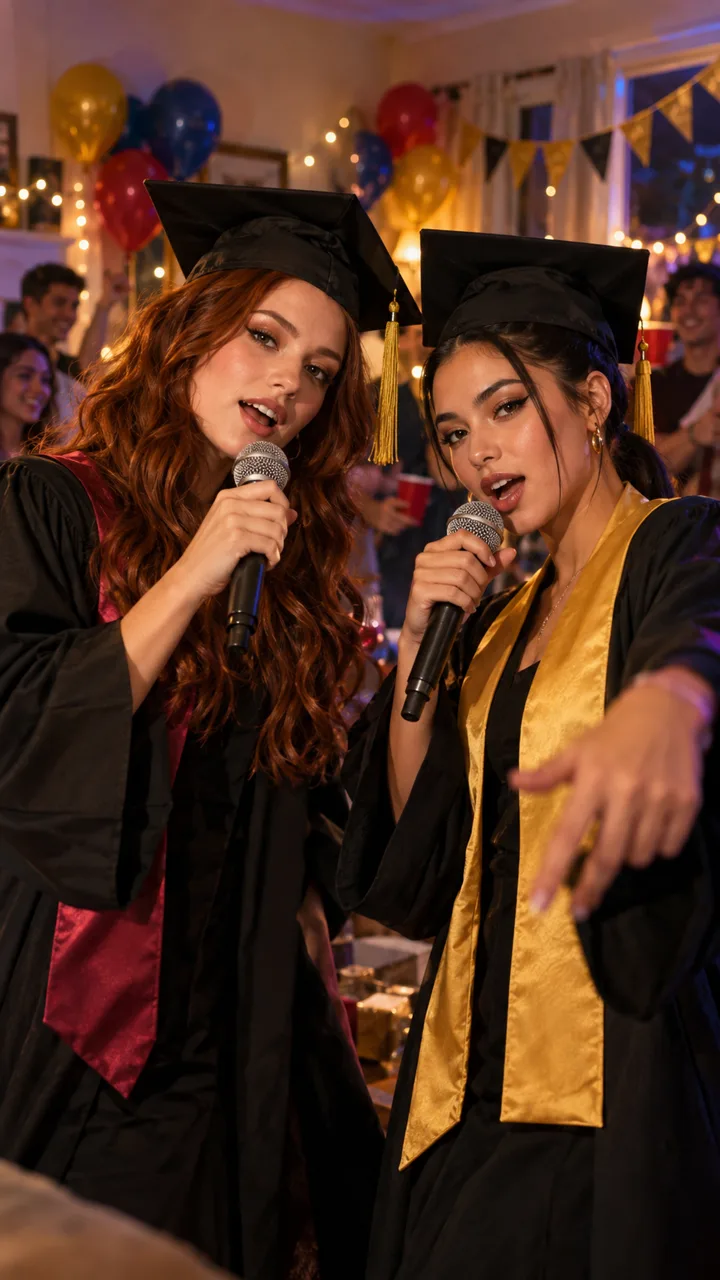
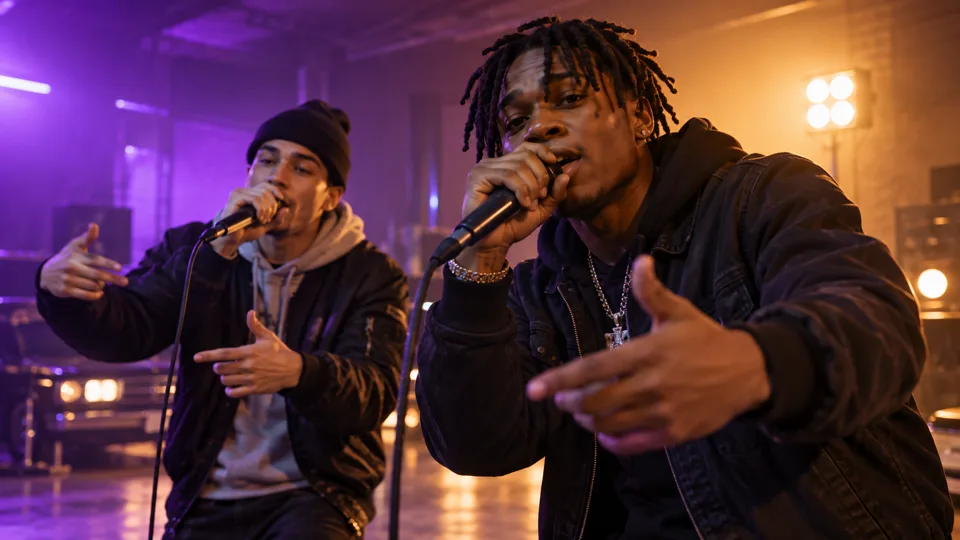
Every sample uses one of the same six stages and the same vertical 9:16 format you get. Find a look you like and press "Use this stage" to load its stage and occasion into the generator.
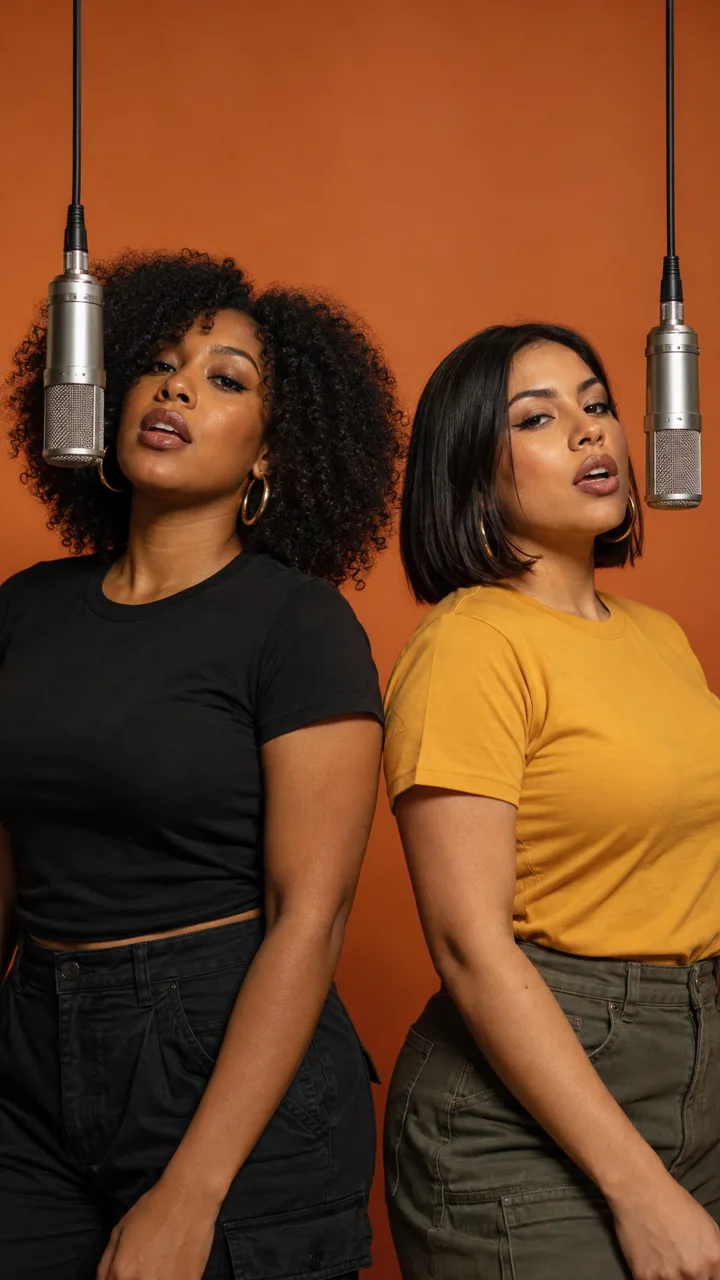
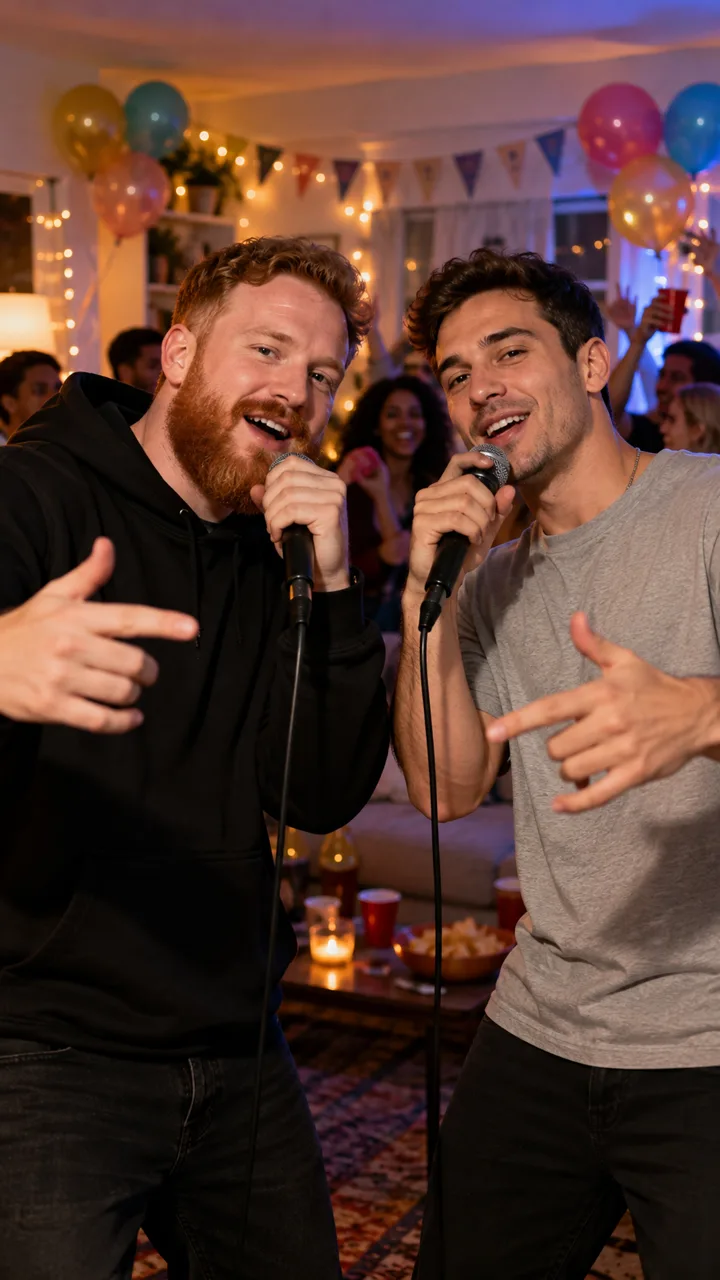
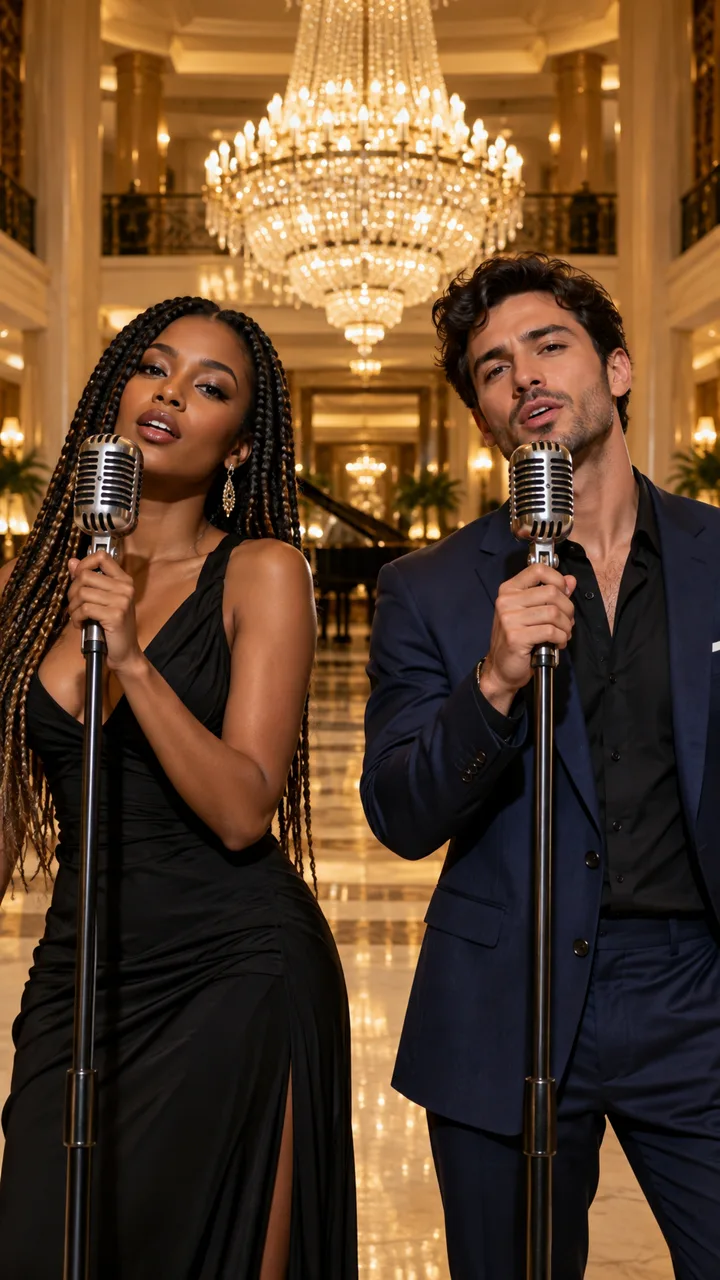
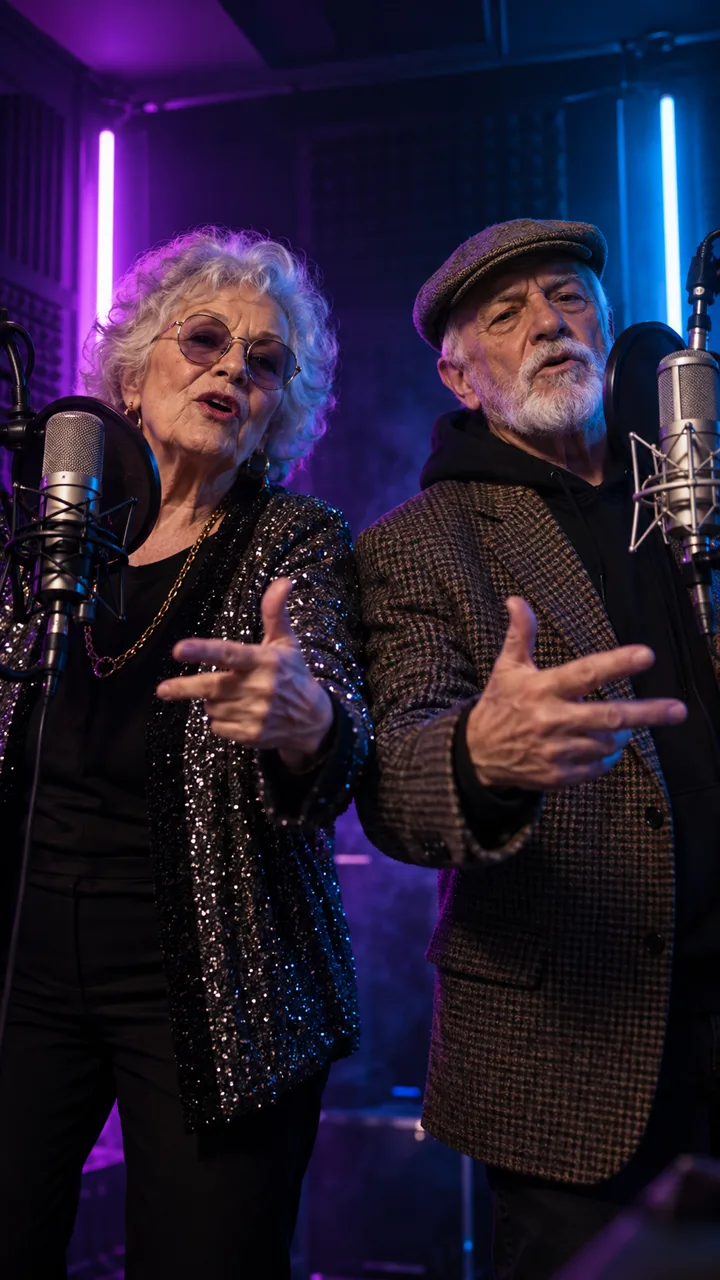
What Is an AI Rap Video?
An AI rap video is a short music video in which the people in your photos perform a rap they never recorded. You give the idea; the AI writes the verse, builds the beat, performs the vocals and moves the mouths in time with the words. Nobody has to film anything, nobody has to be able to rap, and nobody needs editing software.
Here, every AI rap video starts as a still first frame of you on the stage you picked. When it looks right, that frame becomes the opening shot of a 12-second, 9:16 rap video.
An AI rap generator usually stops at lyrics or an audio track. An AI rap video puts a face on the verse: yours, your best friend's, or the birthday person's. If you only need words, our free Rap Lyrics Generator writes four lines without an account.
- Upload one or two photos; no filming needed.
- AI writes and performs four original lines in English, Spanish or Chinese.
- Get a 12-second vertical video sized for TikTok, Reels and Shorts.
How to Make an AI Rap Video
You can make an AI rap video in four steps, and the first three cost nothing.
- 01
1. Add one or two photos
Choose Solo for one person, Two photos for a duo, or One group photo if both people are already in the same picture. Clear, front-facing PNG, JPEG or WebP photos up to 20 MB work best. In duo mode, the first photo becomes the rapper on the left and the second becomes the rapper on the right.
- 02
2. Pick a stage and a topic
Choose one of six stages, from the Orange Mic Booth to a House Party, then pick an occasion such as a birthday, a couple or a friendly rap battle. Describe the topic in a few words, like "Mia turns 30 and still can't cook", and choose English, Spanish or Chinese.
- 03
3. Generate or write the lyrics
AI writes four short lines from your topic. In a duo, the two rappers take turns line by line. Change any word, or replace all four lines with your own. Lyrics are free and don't need an account.
- 04
4. Check the first frame, then make the video
Sign in to see a still preview of your rappers on the stage. You get 3 free previews a day. If the preview looks right, pick Standard, Fast or Pro and generate the 12-second video. It usually takes a few minutes, and you can close the page: the finished AI rap video waits in My videos, ready to play and download.
Solo, Duo or Group Photo: Three Ways to Make an AI Rap Video
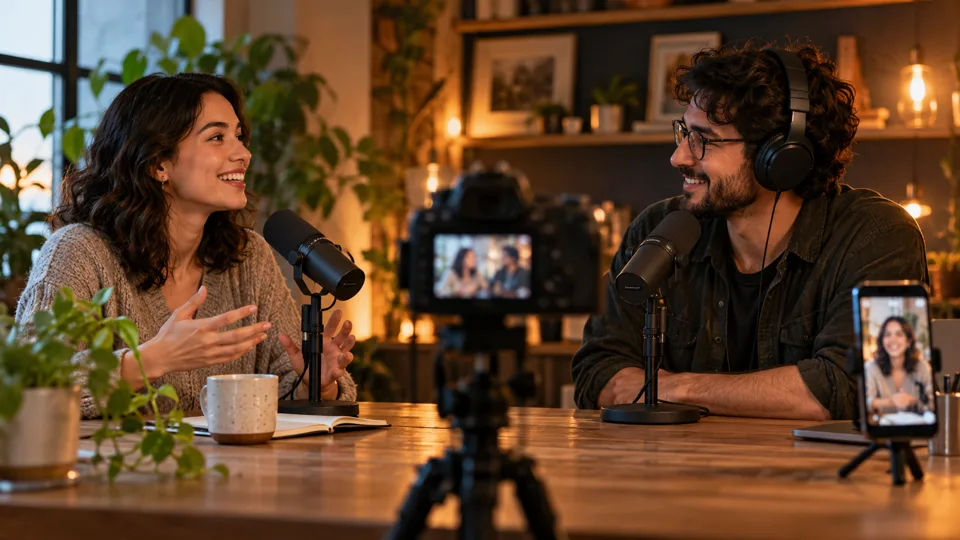
Start from whatever photos you have: one person, two separate photos, or one picture of two people.
Solo AI rap video from one photo
One photo, one rapper, all four lines. It's a good fit for a personal birthday rap, a shoutout for a friend, or a short promo where the owner of a small shop raps about the business.
AI rap duo from two photos
Add two separate photos and the AI puts both people side by side at the mics, rapping in turns. The two photos don't need to come from the same day or the same place, so you can pair a long-distance friend, a sibling or a partner. For a back-and-forth with friendly jabs, try the AI rap battle generator.
One group photo, two rappers
Already have a picture of the two of you together? Upload it as one group photo, and the AI keeps both people from the same shot on stage.
The AI Rap Video Trend, With Your Own Photos
In September 2026, short clips of two people rapping side by side in a bright studio booth spread across TikTok and Reels. Many people know the format as the Hotel Lobby trend: two faces, one stage, a few bars each.
You can make the same kind of two-person clip here. The Orange Mic Booth stage gives you a burnt-orange studio wall with two hanging vintage microphones. Grand Lobby puts you in a hotel lobby with marble floors and a crystal chandelier. Rooftop Night, Neon Studio, Graffiti Alley and House Party cover the rest.
What stays yours is the song. Every AI rap video gets four freshly written lines, a new beat and new vocals. The lyrics never quote or imitate a real song and never mention real artists, so your video is your own performance, not a copy of someone else's. AI Rap Video Generator is not affiliated with any artist, label or show.
AI Rap Video Ideas for Every Occasion
Pick a ready-made starting point. Each one opens the generator with a matching stage and occasion, and you can change both.
Photo to Rap Video
Upload a photo, pick a stage and get a 12-second rap video with vocals and a beat.
AI Rap Battle Generator
Put two friends face to face for a friendly battle: who cooks better, who's always late.
Birthday Rap Video
A personal birthday rap starring the birthday person, written around their name and their quirks.
Pet Rap Video
Let your dog or cat drop four bars about ruling the house.
AI Diss Track Generator
Playful roasts in rap form. Friendly teasing only: no insults about looks, no slurs.
Free rap tools, no account needed: Rap Lyrics Generator · Rapper Name Generator
Why Make Your AI Rap Video Here
See the first frame before you pay
Every video starts from a still preview of your rappers on stage. If a face looks off, make another one. 3 previews a day are free.
Original lyrics you control
AI writes four lines from your topic, and every word stays editable. Prefer your own bars? Write all four lines yourself.
Vocals, beat and lip sync in one clip
Rap vocals over a hip-hop beat, with mouths that move with the words. No separate audio or editing step, and no watermark on the download.
Six stages, one tap each
Each stage is a picture card, so you see the look before you pick it.
Rap in English, Spanish or Chinese
Choose the language of the lyrics and the performance.
Solo, duo or group photo
One person, two separate photos, or one photo of two people, all in the same generator.
Private by default
We don't store your uploaded photos. Your previews and videos are saved privately, only your account can open them, and you can delete them from My videos.
Credits come back if a video fails
If a video fails, times out or is blocked by the content filter, the credits return to your balance automatically.
Use Real Photos Responsibly
An AI rap video puts real faces on stage, so a few rules apply to every video:
- Use photos of yourself, or of people who said yes. You confirm you have the right to use every photo before the preview is made.
- Adults only. Everyone in your photos must be 18 or older.
- No celebrities, no real songs. Lyrics never quote real songs or name real artists, celebrities or brands.
- Keep it friendly. Rap battles and diss tracks are for teasing, not insults, slurs or threats.
- Your files stay yours. Uploaded photos are only sent to the video model to make your preview; we don't keep them. Previews and videos are private to your account until you download or delete them.
FAQ
AI Rap Video FAQ
Yes. Choose Two photos and add one photo of each person, or choose One group photo if you're already in the same picture. The AI puts both of you on stage and you take turns rapping the four lines.
Yes. Generate four lines with AI and edit any word, or type all four lines yourself. You can still change the lyrics after the first-frame preview.
The video model creates the vocals and the mouth movement together, so the lips move with the words. Clear, front-facing photos give the best result, which is why you check the first frame before making the video.
Each video is 12 seconds, vertical 9:16, with rap vocals, a beat and lip sync. Standard and Fast videos are 720p and Pro videos are 1080p. You can play and download it from My videos, with no watermark.
A first-frame preview usually takes under a minute, and the video usually takes a few minutes. You don't need to keep the page open: finished videos appear in My videos.
English, Spanish and Chinese. Pick the language before you generate the lyrics.
If a video fails, times out or is blocked by the content filter, its credits return to your balance automatically. Free previews that fail are returned too.
No. Every AI rap video gets original lyrics, and the lyrics never quote real songs or name real artists or celebrities. Only use photos of adults who gave you permission.
Not yet. Right now the AI writes the lyrics and makes the beat and vocals for you. You can write the lyrics yourself.
Make Your First AI Rap Video
Pick a stage, write four lines and see your first frame in under a minute. The lyrics are on us.
Make an AI Rap Video